
The Ultimate Guide to Security Software: Your Complete Digital Defense Blueprint
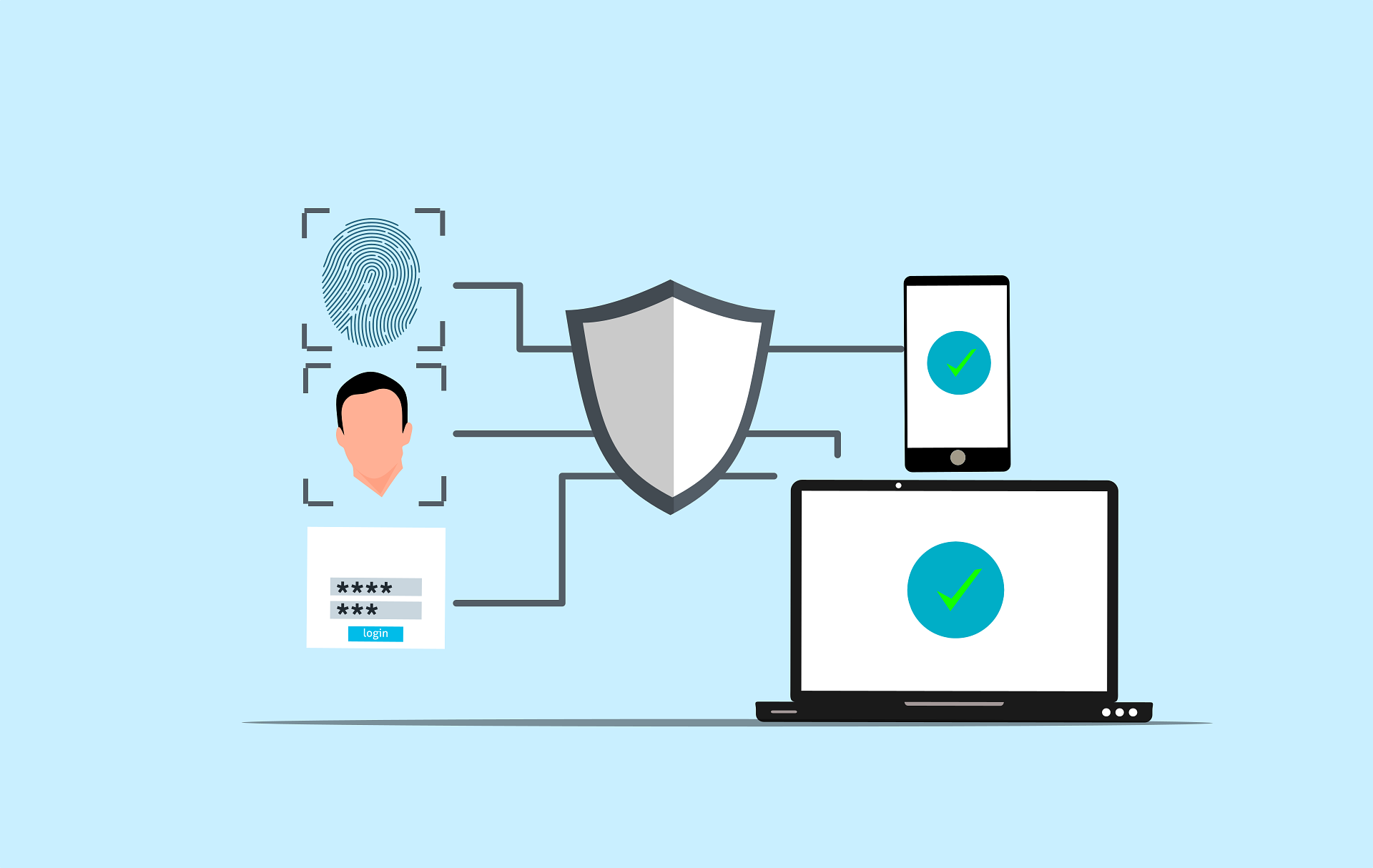
In the vast, interconnected landscape of the internet, our digital lives are more exposed than ever before. We bank, shop, work, and socialize online, creating a trail of data that is both valuable and vulnerable. A single click on a malicious link, a weak password, or an unsecured Wi-Fi network can be all it takes for a cybercriminal to gain access to your most sensitive information. This is where security software comes in—it's the digital armor that protects you, your data, and your peace of mind.
But what exactly is security software? The term often conjures up images of a simple antivirus program, but the reality is far more complex and layered. Modern digital defense is a sophisticated ecosystem of tools, each designed to counter a specific type of threat. It’s a combination of proactive barriers, reactive scanners, and privacy-enhancing technologies.
This guide will serve as your complete blueprint for understanding and implementing a powerful security strategy. We'll demystify the different types of security software, help you decide between individual tools and all-in-one suites, and equip you with the best practices that transform software from a simple program into an impenetrable fortress. Let's begin building your digital defense.
The Core Pillars of Digital Defense: Understanding Different Types of Security Software
Think of your digital security like protecting a physical castle. You wouldn't rely on just a single high wall; you'd have a moat, a drawbridge, guards on patrol, and secure locks on every door. Similarly, robust digital protection relies on multiple layers of defense. Let's break down the essential components.
1. Antivirus and Anti-Malware Software: The First Line of Defense
This is the most well-known category of security software and for good reason. Antivirus (AV) and anti-malware tools are the vigilant guards that actively patrol your system for malicious software, or "malware."
What is Malware? Malware is a catch-all term for any software designed to harm or exploit a computer system. Key types include:
- Viruses: Malicious code that attaches itself to legitimate programs and spreads when those programs are run.
- Worms: Standalone malware that can replicate itself and spread across networks without human intervention.
- Trojans: Malware disguised as legitimate software. It tricks you into installing it, then opens a "backdoor" for attackers.
- Ransomware: A particularly nasty type of malware that encrypts your files and demands a ransom payment for the decryption key.
- Spyware: Software that secretly monitors your activity, logging keystrokes, capturing passwords, and stealing sensitive data.
- Adware: Unwanted software that bombards you with advertisements, often by hijacking your browser.
How Does It Work? Modern AV and anti-malware programs use a two-pronged approach to detection:
- Signature-Based Detection: This is the traditional method. The software maintains a vast database of "signatures"—unique digital fingerprints of known malware. It scans files on your computer and compares them against this database. It's highly effective against known threats but useless against brand new, "zero-day" attacks.
- Heuristic and Behavioral Analysis: This is the smarter, more proactive method. Instead of looking for known threats, it analyzes the behavior of programs. If an application starts trying to encrypt files without permission, access your webcam, or modify critical system files, the security software will flag it as suspicious, even if it's a never-before-seen piece of malware. This is crucial for stopping new and emerging threats.
Most top-tier security software today, including the one built into your operating system like Microsoft Defender, combines both methods for comprehensive protection.
2. Firewalls: The Digital Gatekeeper
If antivirus software is the patrol guard, a firewall is the moat and drawbridge. Its primary job is to control the flow of traffic into and out of your computer or network, acting as a barrier between your trusted system and the untrusted wilds of the internet.
A firewall examines each "packet" of data trying to enter or leave and decides whether to allow it or block it based on a set of predefined security rules.
Types of Firewalls:
- Software Firewalls: These run directly on your computer. Modern operating systems like Windows and macOS come with powerful, built-in software firewalls (e.g., Windows Defender Firewall). Many security suites also include their own advanced firewalls. They are excellent for protecting individual devices.
- Hardware Firewalls: These are physical devices, and you almost certainly have one in your home right now—it's built into your internet router. A hardware firewall protects every device connected to your network, providing a crucial first layer of defense before traffic even reaches your computer.
Practical Action: You should always have a firewall enabled. To check on your computer:
- On Windows: Go to Start > Settings > Update & Security > Windows Security > Firewall & network protection. Ensure it's turned on for your active network (Private or Public).
- On macOS: Go to Apple menu > System Settings > Network > Firewall. Ensure it is turned on.
3. Virtual Private Networks (VPNs): Your Cloak of Invisibility
While firewalls protect your device from unauthorized access, a VPN protects the data you transmit over the internet. When you connect to the internet, your Internet Service Provider (ISP) can see every website you visit. When you use public Wi-Fi at a coffee shop or airport, a hacker on the same network could potentially intercept your traffic.
A VPN solves this by creating a secure, encrypted "tunnel" for your internet connection.
- Your traffic is encrypted on your device.
- It travels through the secure tunnel to a server operated by the VPN company.
- It exits onto the public internet from the VPN server.
The Key Benefits of a VPN:
- Security: The strong encryption makes your data unreadable to anyone who might try to snoop on it, which is essential when using public Wi-Fi.
- Privacy: Your real IP address is hidden and replaced with the IP address of the VPN server. This prevents websites, advertisers, and your own ISP from tracking your online activity back to you.
- Access: By connecting to a server in another country, you can sometimes access content or services that are geographically restricted.
When choosing a VPN, prioritize providers with a strict no-logs policy (meaning they don't keep records of your activity), strong encryption standards, and a good reputation for speed and reliability.
4. Password Managers: The Key to Unbreakable Fortresses
The single biggest weakness in most people's digital security is their passwords. Using simple, easy-to-guess passwords (like Password123) or reusing the same password across multiple websites is an open invitation for disaster. If one site is breached, criminals can use your leaked credentials to access all your other accounts.
A password manager is the definitive solution to this problem. It's a highly secure, encrypted digital vault for all your login credentials.
Generate by Gemini 2.5 Pro