
The Pocket-Sized Studio: Your Comprehensive Guide to Mobile Editing Apps
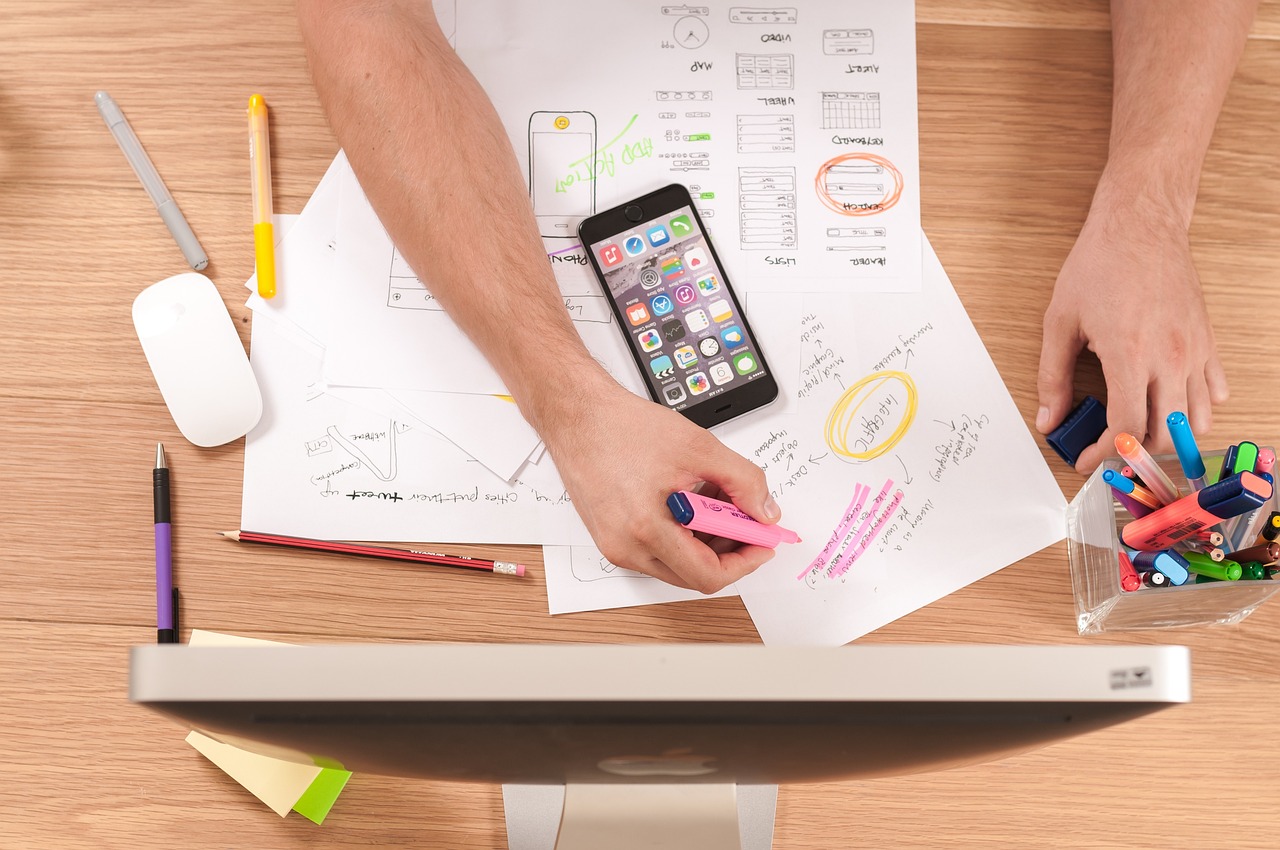
In an age where your smartphone is also your high-resolution camera, the line between amateur and professional content creation has never been blurrier. We all have the tool to capture stunning moments, but the secret to making those moments truly shine often lies in the editing process. Fortunately, you no longer need a powerful computer and expensive software to polish your creations. A universe of powerful, intuitive, and creative mobile editing apps is waiting right in your pocket.
This guide is your roadmap to navigating that universe. Whether you're looking to add a quick splash of color to your vacation photos, cut together a viral Reel, or even edit a short film on the go, there's an app for you. We'll dive into the best options for photo and video, break down their key features, and provide actionable tips to elevate your editing game.
Why Edit on Your Phone? The Power of Convenience
Before we jump into specific apps, let's appreciate why mobile editing has become such a dominant force. The benefits go far beyond simply not being tied to a desk.
- Speed and Immediacy: The most obvious advantage. You can shoot, edit, and post to your social media feed or send to a client within minutes. This rapid workflow is unbeatable for content creators, journalists, and anyone who values efficiency.
- Surprising Power: Don't mistake "mobile" for "basic." Modern apps like Adobe Lightroom Mobile and LumaFusion offer features that were exclusive to desktop software just a few years ago. We're talking RAW photo editing, multi-track video timelines, color grading, advanced masking, and keyframe animations.
- Accessibility and Cost-Effectiveness: Many of the best mobile editing apps are free or operate on a "freemium" model, giving you access to a robust set of tools without any initial investment. Compared to the hefty price tags of desktop suites, mobile apps are an incredibly accessible entry point into high-quality editing.
- An Integrated Ecosystem: Your phone is a seamless environment. You shoot the content, your photos and videos are saved directly to your device, and your editing apps can access them instantly. There's no need for memory cards, file transfers, or compatibility checks. It's a frictionless creative process.
The Best Mobile Photo Editing Apps for Every Skill Level
Choosing a photo editor can be overwhelming. To simplify it, we've broken down our top picks based on different user needs, from quick fixes to professional-level retouching.
For the Everyday User: Quick and Easy Enhancements
These apps are perfect for when you want to make your photos look better without a steep learning curve. They excel at one-tap fixes and intuitive adjustments.
-
Google Snapseed: Often hailed as the best all-around free photo editor, Snapseed is a powerhouse of simplicity. Its interface is clean and gesture-based, yet it hides an incredible depth of tools.
- Standout Features: A comprehensive set of 29 tools and filters, including Healing, Brush, and HDR. The 'Selective' tool is a game-changer, allowing you to tap on a specific part of your image and adjust brightness, contrast, and saturation just for that area.
- Best For: Anyone who wants a powerful, completely free editor without ads or subscriptions.
- Actionable Tip: Use the 'Tune Image' tool's 'Ambiance' slider. It intelligently adjusts contrast and saturation to create depth and vibrancy without making the photo look unnatural.
-
VSCO: More than just an editor, VSCO is a creative community with a focus on subtle, film-like aesthetics. Its presets (filters) are widely considered some of the most beautiful and tasteful available.
- Standout Features: A vast library of high-quality presets designed to emulate classic film stocks. The free version offers a solid introductory set, while a membership unlocks the full library. It also includes standard editing tools for fine-tuning.
- Best For: Creators looking to develop a consistent, stylized aesthetic for their Instagram feed or portfolio.
- Actionable Tip: Don't just slap a preset on and call it a day. After applying a preset, tap it again to reveal an intensity slider. Lowering the strength to around 50-70% often results in a more professional and less "filtered" look.
For the Aspiring Pro: Advanced Control and Features
Ready to move beyond presets? These apps offer desktop-grade control over your images, including RAW file support and advanced masking.
-
Adobe Lightroom Mobile: The undisputed king of professional mobile photo editing. Lightroom Mobile is the pocket-sized version of its desktop counterpart and syncs flawlessly through the Adobe Creative Cloud.
- Standout Features: Best-in-class RAW editing, precise control over every aspect of an image (from exposure to HSL color panels), and revolutionary AI-powered masking. You can automatically select the 'Sky' or 'Subject' to edit them independently. The premium version includes advanced healing tools and cloud storage.
- Best For: Serious photographers, both amateur and professional, who want a seamless workflow between their phone and computer.
- Actionable Tip: Dive into the 'Color Mixer' tool. If the grass in your photo looks a bit dull, you can specifically target the green and yellow hues, increasing their saturation and luminance without affecting skin tones or the sky.
-
Darkroom: A powerful and beautifully designed competitor to Lightroom, Darkroom is an iOS-only app that has won an Apple Design Award. It integrates with your iCloud Photo Library, so there's no need for a separate import process.
- Standout Features: Batch editing capabilities (apply edits to multiple photos at once), RAW and ProRAW support, and the unique ability to edit the video portion of a Live Photo. It also has a full suite of video editing and color grading tools, making it a fantastic hybrid app.
- Best For: iOS users who want a fast, powerful, all-in-one editor for both photos and videos without a subscription (it offers a one-time purchase option).
Don't Forget Video: Top Mobile Video Editing Apps
Video content rules the internet, and your phone is the perfect tool for creating it. Here are the best apps for cutting everything from a 15-second TikTok to a polished short film.
For Quick Social Media Clips
These apps are built for speed and are packed with features tailored for platforms like TikTok, Instagram Reels, and YouTube Shorts.
-
CapCut: Developed by the same company as TikTok, CapCut has become the go-to editor for short-form video. It's incredibly user-friendly, completely free, and packed with trendy features.
- Standout Features: A massive library of trending sounds and effects, an amazing 'Auto Captions' feature that transcribes your audio to text, and a simple keyframing system for animating text and stickers.
- Best For: Absolutely anyone creating content for TikTok or Instagram Reels.
- Actionable Tip: Use the 'Match Cut' feature to automatically sync your video clips to the beat of a chosen song. It saves a massive amount of time and makes your videos feel more dynamic.
-
InShot: A long-standing favorite, InShot is a reliable and versatile video editor. It's a fantastic all-in-one tool for trimming clips, adding music, applying filters, and placing text or stickers.
- Standout Features: Easy-to-use timeline, pre-set aspect ratios for all major social platforms, speed controls (for slow-motion or time-lapses), and a decent library of royalty-free music.
- Best For: Beginners who want a straightforward, do-it-all video editor for social media.
For More Serious Videography
When you need more control, these apps provide multi-track timelines, advanced color grading, and professional export options.
-
LumaFusion: Widely considered the "Final Cut Pro of mobile," LumaFusion is the most powerful video editing app for iOS and Android. It’s a one-time purchase that delivers a truly professional editing experience.
- Standout Features: A multi-track timeline (up to 6 video/audio tracks), advanced color correction with LUT support, a powerful keyframe animation system for any effect, and a full-featured audio mixer.
- Best For: Mobile journalists, filmmakers, and serious YouTubers who need to produce high-quality video content entirely on their phone or tablet.
-
DaVinci Resolve for iPad: A true game-changer. Blackmagic Design has brought its legendary Hollywood-grade desktop software to the iPad. It's incredibly resource-intensive (best on M1/M2 iPads) but offers unparalleled power for free.
- Standout Features: The exact same color grading tools used on major motion pictures. It also includes the 'Cut' page for rapid editing and Fairlight audio tools for professional sound mixing.
- Best For: Professional colorists and editors with a modern iPad who want zero compromises on
Generate by Gemini 2.5 Pro