
Beyond the Marker: The Ultimate Guide to Digital Whiteboards
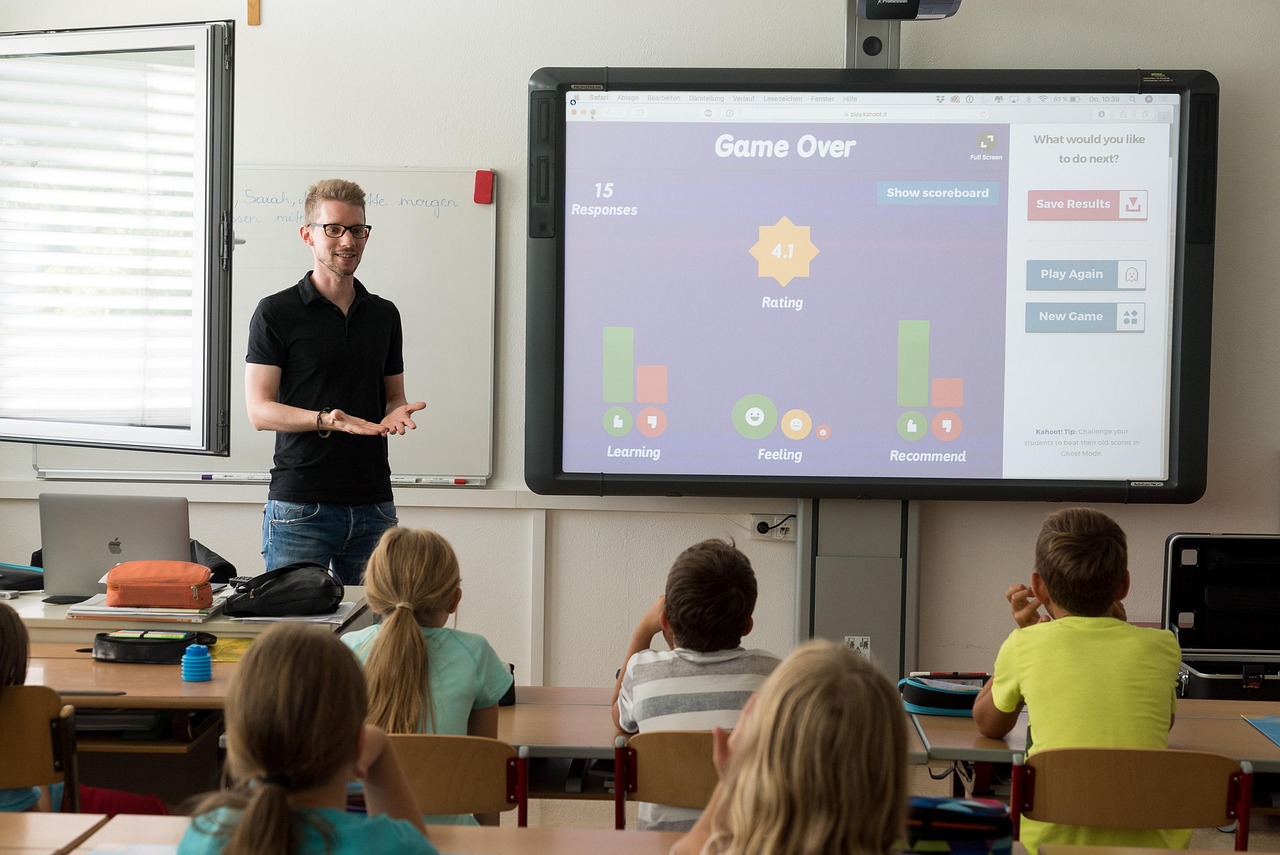
Remember the familiar scene? A team crowded around a physical whiteboard, the scent of dry-erase markers in the air, one person frantically scribbling while others shout ideas. At the end, someone snaps a blurry photo of the board, a fleeting artifact of a brilliant session, destined to be lost in a sea of camera roll images.
That era is fading fast. In a world of distributed teams, hybrid work models, and a need for more dynamic collaboration, the humble whiteboard has undergone a powerful digital transformation. Enter the digital whiteboard: a boundless, interactive canvas that is fundamentally changing how we create, innovate, and work together.
This guide will take you on a comprehensive journey into the world of online whiteboards. We'll explore what they are, why they've become an indispensable tool for modern teams, and how you can leverage them to unlock unprecedented levels of creativity and productivity.
What Exactly Is a Digital Whiteboard?
At its core, a digital whiteboard is a collaborative online space where multiple users can interact with content in real-time. Think of it as a shared, infinite canvas accessible from any device with an internet connection. It allows teams to write, draw, add sticky notes, embed media, and organize information visually, just as they would on a physical board, but with superpowers.
It's important to distinguish between the two main types of digital whiteboards:
- Hardware-based: These are the large, interactive touch-screen displays you might see in a modern conference room. Products like the Microsoft Surface Hub, Google Jamboard, and Samsung Flip fall into this category. They provide a fantastic in-room experience, allowing users to physically touch and draw on the screen.
- Software-based: These are cloud-based applications that run in a web browser or as a standalone app on your laptop, tablet, or phone. Tools like Miro, Mural, and FigJam are leading examples. These platforms are incredibly versatile because they don't require any special hardware and are perfectly suited for remote and hybrid teams where members are geographically dispersed.
While the hardware is impressive, the real magic and accessibility lie within the software. Most of this guide will focus on these software platforms, as they represent the most flexible and widely adopted form of visual collaboration today.
The Unignorable Benefits: Why Your Team Needs a Digital Whiteboard
Switching to a digital whiteboard isn't just about replacing an old tool with a new one; it's about adopting a new way of working that brings tangible benefits.
Fosters True Real-Time Collaboration
The most significant advantage of a digital whiteboard is its ability to demolish geographical barriers. A team member in Berlin, a client in Singapore, and a manager in San Francisco can all be on the same board at the same time, seeing each other's cursors move, contributing ideas, and building on each other's work simultaneously. This creates a sense of presence and shared space that is often missing in remote work, making collaboration feel more connected and organic than a simple video call.
Boosts Engagement and Creativity
Static presentations and one-way monologues can quickly lead to disengaged participants. Digital whiteboards turn passive listeners into active contributors. The visual and tactile nature of adding a sticky note, drawing a connection, or upvoting an idea encourages participation from everyone, not just the loudest person in the room.
This is a game-changer for creative and strategic activities, including:
- Brainstorming sessions: Generate a massive volume of ideas on digital sticky notes without ever running out of space.
- Mind mapping: Visually explore complex topics by branching out from a central idea.
- User journey mapping: Plot out every touchpoint a customer has with your product or service.
- Agile ceremonies: Conduct dynamic sprint planning, reviews, and retrospectives.
Creates a Persistent, "Infinite" Canvas
A physical whiteboard has a finite size and a temporary nature. Great ideas get erased to make room for new ones. A digital whiteboard, however, offers an infinite canvas. You can zoom out to see the big picture or zoom in to focus on the tiniest detail.
More importantly, the board is persistent. It exists as a living document that your team can return to days, weeks, or months later. The initial brainstorm for a project can evolve into a detailed project plan, which can then become a progress tracker—all on the same board. This creates a single source of truth that documents the entire lifecycle of an idea.
Enhances Meeting Efficiency and Documentation
"Could someone take notes?" is a phrase that often signals a thankless task. With a digital whiteboard, the board is the notes. Every idea, decision, and action item is captured visually and in context.
At the end of a session, there's no need to decipher messy handwriting from a photo. You have a clean, organized, and easily shareable artifact. Most platforms allow you to export the entire board or specific sections as a high-resolution image or PDF, making it simple to share meeting outcomes with stakeholders or add them to your knowledge base.
Core Features to Look For in a Digital Whiteboard Tool
The market is filled with excellent online whiteboard tools, but not all are created equal. When evaluating options, here are the core features you should consider essential for a robust collaborative experience.
- Infinite Canvas & Navigation: The board should allow for seamless panning and zooming, giving your team limitless space to think and create without feeling constrained.
- Rich Content & Templates: A great tool goes beyond basic drawing. Look for support for:
- Digital sticky notes with various colors and sizes.
- Text boxes and shapes.
- Connector lines and arrows.
- Freehand drawing and highlighting tools.
- The ability to upload images, documents (PDFs, spreadsheets), and embed videos or web links.
- A rich template library is a massive plus. Pre-built templates for things like SWOT analysis, Kanban boards, icebreakers, and retrospective formats can save you hours of setup time.
- Real-Time Collaboration Features: These are the features that bring the board to life.
- Live cursors: See where your teammates are and what they're interacting with.
- Comments and @mentions: Leave feedback directly on an object and notify specific team members.
- Voting tools: Quickly gauge consensus or prioritize ideas democratically.
- Timer: Keep brainstorming sessions and activities time-boxed and focused.
- Integration Capabilities: A digital whiteboard shouldn't be an island. Its true power is unlocked when it connects with the other tools your team relies on. Check for deep integrations with project management software (like Jira, Asana, Trello), communication platforms (Slack, Microsoft Teams), and cloud storage (Google Drive, Dropbox). For example, being able to convert a digital sticky note into a Jira ticket with one click is a huge workflow enhancement.
Generate by Gemini 2.5 Pro