
Accounting Software Explained: The Small Business Owner's Guide to Financial Control
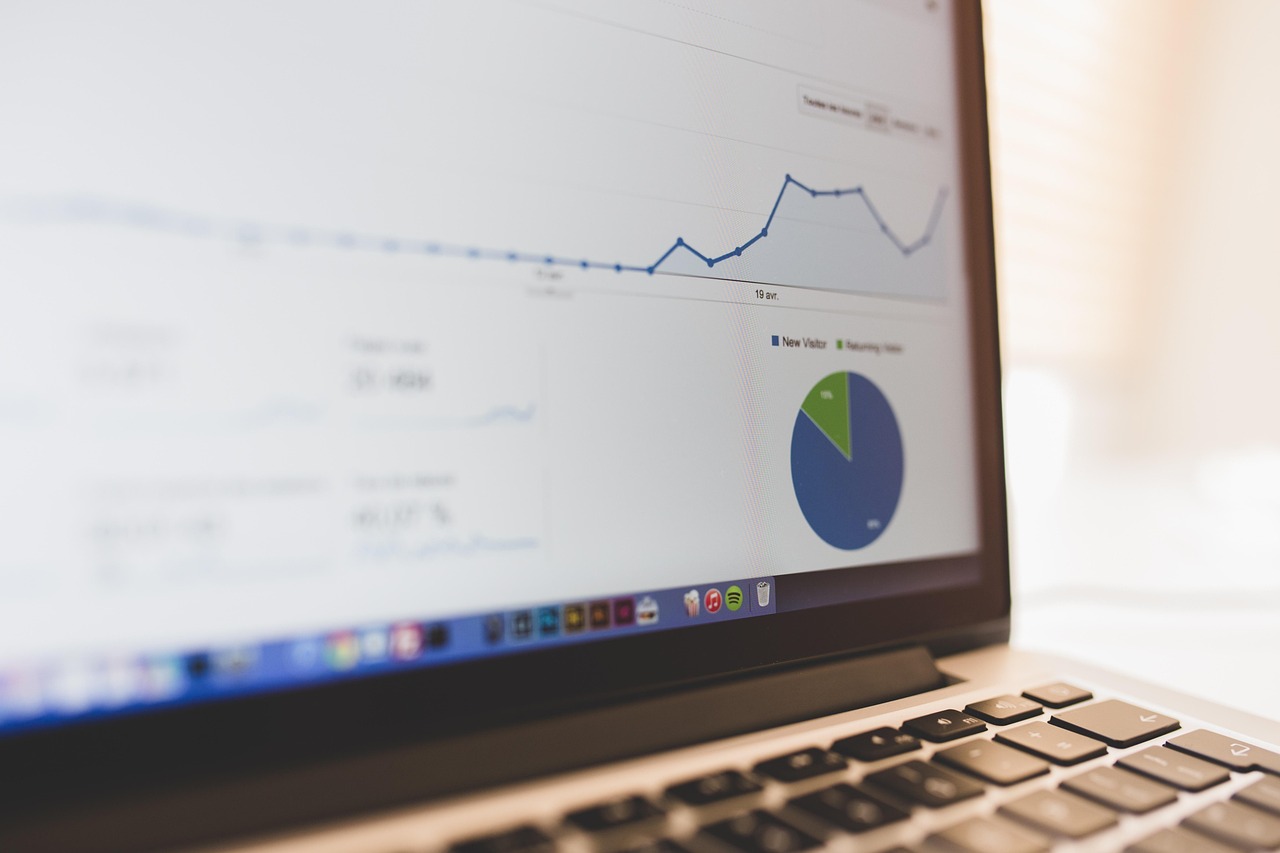
Remember the early days of your business? The passion, the drive, the... shoebox full of receipts? For many entrepreneurs, financial management starts as a chaotic mix of spreadsheets, crumpled invoices, and a lingering sense of dread about tax season. If this sounds familiar, it's time to meet your new best friend: accounting software.
In today's fast-paced business world, relying on manual bookkeeping is like trying to win a car race on a bicycle. It’s possible, but it’s incredibly inefficient and puts you at a major disadvantage. Accounting software is the engine that can power your financial operations, transforming confusion into clarity and giving you the control you need to steer your business toward success.
This comprehensive guide will walk you through everything you need to know, from the fundamental "what" and "why" to the critical "how" of choosing the right platform for you.
What Exactly Is Accounting Software?
At its core, accounting software is a computer application that helps business owners and accounting professionals record, process, and report a company's financial transactions. Think of it as a centralized, digital ledger for all the money moving in and out of your business.
Traditionally, this was done with physical ledgers. Then came the era of desktop software, which tied your financial data to a single computer. Today, the landscape is dominated by cloud-based accounting software, also known as Software-as-a-Service (SaaS). This means your data is securely stored online, accessible from any device with an internet connection.
The primary purpose of this software isn't just to record numbers; it's to automate tedious tasks and translate raw financial data into actionable insights. It helps you answer critical questions with a few clicks:
- Are we profitable this month?
- Who are our late-paying clients?
- How much cash do we have on hand?
- Are we on budget for our latest project?
By moving from a reactive, manual process to a proactive, automated one, you free up invaluable time and mental energy to focus on what you do best—running your business.
Why Your Business Can't Afford to Ignore It
Implementing a new tool can feel like a chore, but the benefits of modern accounting software are so profound that it's one of the best investments you can make for your business's health and scalability.
-
Massive Time Savings: This is the most immediate and tangible benefit. The software automates tasks that would otherwise consume hours of your week. Think of automatically sending recurring invoices, sending payment reminders, and categorizing expenses as they come in from your bank feed. That's time you get back to serve customers, develop products, or strategize for growth.
-
Drastically Improved Accuracy: Humans make mistakes. A single misplaced decimal in a spreadsheet can throw off your entire financial picture. Accounting software minimizes human error by automating calculations and using features like bank reconciliation to flag discrepancies between your records and your bank statements. This ensures your financial data is reliable.
-
Real-Time Financial Visibility: With cloud accounting software, your financial dashboard is always up-to-date. You can log in from your laptop at the office or your phone at a coffee shop and see your current cash flow, outstanding invoices, and profit and loss. This real-time visibility is crucial for making agile, informed decisions.
-
Simplified Tax Compliance: Tax season is a universal source of stress for business owners. Good accounting software is designed to make it painless. It tracks income and expenses in tax-ready categories, helps calculate sales tax (like VAT or GST), and can generate the key reports your accountant needs (or that you need for DIY filing) in seconds.
-
Enhanced Professionalism: Sending a professionally designed, branded invoice from your accounting platform looks far better than a hastily made Word document. It signals to your clients that you are an established, serious business. Features like online payment options on invoices also make it easier for clients to pay you promptly.
-
Scalability for Growth: The right software grows with you. You might start with a basic plan as a freelancer, but as you hire employees, add product lines, or expand internationally, you can upgrade to plans that include payroll, inventory management, and multi-currency support.
Core Features to Look for in Accounting Software
Not all accounting platforms are created equal. When you start comparing options, you'll see a wide array of features. Here’s a breakdown of the essentials you should look for, plus some advanced features you might need as you grow.
The Essentials
These are the non-negotiable features every small business needs.
- Invoicing: The ability to create, customize, and send invoices is fundamental. Look for features like recurring invoices for retainer clients, automated payment reminders to chase late payments, and the ability to accept online payments directly through the invoice.
- Expense Tracking: This is about more than just logging what you spend. The best systems connect directly to your business bank accounts and credit cards via a bank feed. They automatically import transactions, and many use machine learning to suggest how to categorize them, saving you hours of manual data entry. A mobile app with receipt scanning is a huge bonus.
- Bank Reconciliation: This feature allows you to compare the transactions in your accounting software with your bank statement side-by-side. You can then "match" them to confirm everything is accounted for, ensuring your books are perfectly accurate and trustworthy.
- Financial Reporting: Your software should be able to generate the "big three" financial reports at a minimum:
- Profit & Loss (P&L) Statement: Shows your revenues, costs, and expenses over a period, revealing your profitability.
- Balance Sheet: Provides a snapshot of your company's financial health at a single point in time, listing assets, liabilities, and equity.
- Cash Flow Statement: Tracks the movement of cash in and out of your business, which is vital for managing liquidity.
Advanced & "Nice-to-Have" Features
Depending on your business model, you may need more specialized functionality.
- Payroll Integration: If you have employees, built-in or integrated payroll is a must. It handles salary calculations, tax withholdings, and direct deposits, ensuring your team is paid correctly and on time while staying compliant.
- Inventory Management: For businesses that sell physical products (e.g., e-commerce or retail), this feature tracks stock levels, calculates the cost of goods sold (COGS), and helps you manage purchase orders to avoid stockouts.
- Multi-currency Support: If you have international clients or suppliers, you'll need software that can handle transactions and generate reports in different currencies, automatically managing exchange rates.
- Project Costing / Job Tracking: A lifesaver for service-based businesses, agencies, and construction companies. This allows you to assign income and expenses to specific projects or jobs, so you can see which are most profitable.
- Third-Party Integrations: Your accounting software should be the hub of your business operations. Check for a robust marketplace of integrations with other tools you use, such as your CRM (e.g., Salesforce), e-commerce platform (e.g., Shopify), or payment processor (e.g., Stripe, PayPal).
How to Choose the Right Accounting Software
With popular options like QuickBooks, Xero, FreshBooks, and Wave on the market, choosing can feel overwhelming. Follow this step-by-step process to find the perfect fit.
-
Assess Your Business Needs & Budget: Start by defining who you are. Are you a freelancer who just needs simple invoicing and expense tracking? Or a growing retail business that requires robust inventory and payroll? Make a list of your "must-have" versus "nice-to-have" features. Be realistic about your budget, but remember that the time saved often provides a return on investment that far exceeds the monthly fee.
-
Prioritize Ease of Use: The most powerful software in the world is useless if you can't figure out how to use it. The user interface should feel intuitive to you. Actionable Advice: Nearly every major accounting software offers a free trial (typically 14 or 30 days). Sign up for two or three top contenders and spend a few hours in each. Try creating an invoice, connecting your bank account, and running a report. Pick the one that "clicks" for you.
-
Consider Scalability: Think about where you want your business to be in three to five years. Will you have employees? Will you sell products? Look at the different pricing tiers for each software. Ensure there's a clear upgrade path that can accommodate your future needs without forcing you to migrate to a whole new system down the line.
-
Investigate Integrations: A seamless workflow is key to efficiency. List the other critical software you rely on. Does the accounting software you're considering integrate smoothly with them? A native, well-built integration is always better than a clunky, manual workaround.
-
Research Customer Support & Security: When you run into a problem (and you will), how easy is it to get help? Check if support is available via phone, email, or live chat, and read user reviews about the quality of that support. For cloud software, also verify their security protocols. Look for terms like 256-bit SSL encryption, regular backups, and multi-factor authentication to ensure your sensitive financial data is safe.
The Final Word
Moving your finances from a spreadsheet to dedicated accounting software is a pivotal moment in the life of a business. It marks the transition from simply surviving to strategically thriving. By automating the mundane, ensuring accuracy, and providing instant financial insights, it empowers you to make smarter, data-driven decisions.
Don't let financial management be a source of anxiety. Take the leap, explore your options, and embrace the clarity and control that the right accounting software can bring to your business. Your future self
Generate by Gemini 2.5 Pro